
How to Check a Tokenized-Stock Quote Before You Buy
Task guide Last verified 2026-09-30 6 min read
The stock page may show one price while the trade preview gives you another. The first number helps you follow the market. The preview answers a different question: how many tokens can you receive for this order, through a route available now?
Use the preview as the decision screen. In DeGate, it shows the amount you pay, the estimated amount you receive, an exchange rate, maximum slippage, trading fee rate, maximum network fee, and estimated time. These fields describe one order at one moment. Change the amount and the result may change.
1. Confirm the token before reading the price
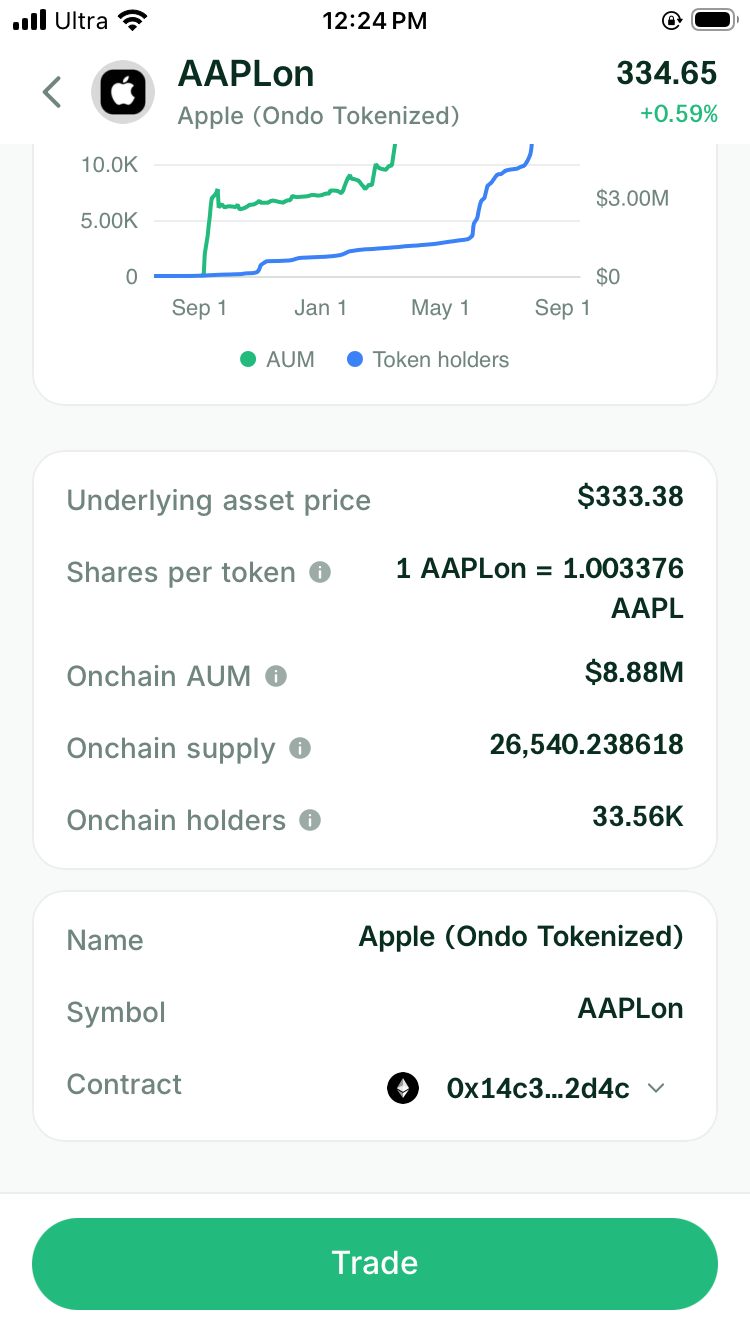
Start with the full token name, issuer, network, and contract address. TSLAx and TSLAon both relate to Tesla, but a quote for one does not tell you the price or rights of the other.
Open Token Info in DeGate if the issuer or network is unclear. After confirming the asset, return to Buy and enter the amount of USDC or another supported asset you plan to spend.
2. Read the two amounts first
The Pay field tells you what leaves the wallet. Est. receive tells you how many stock tokens the current route expects to deliver. Read both before looking at percentages.
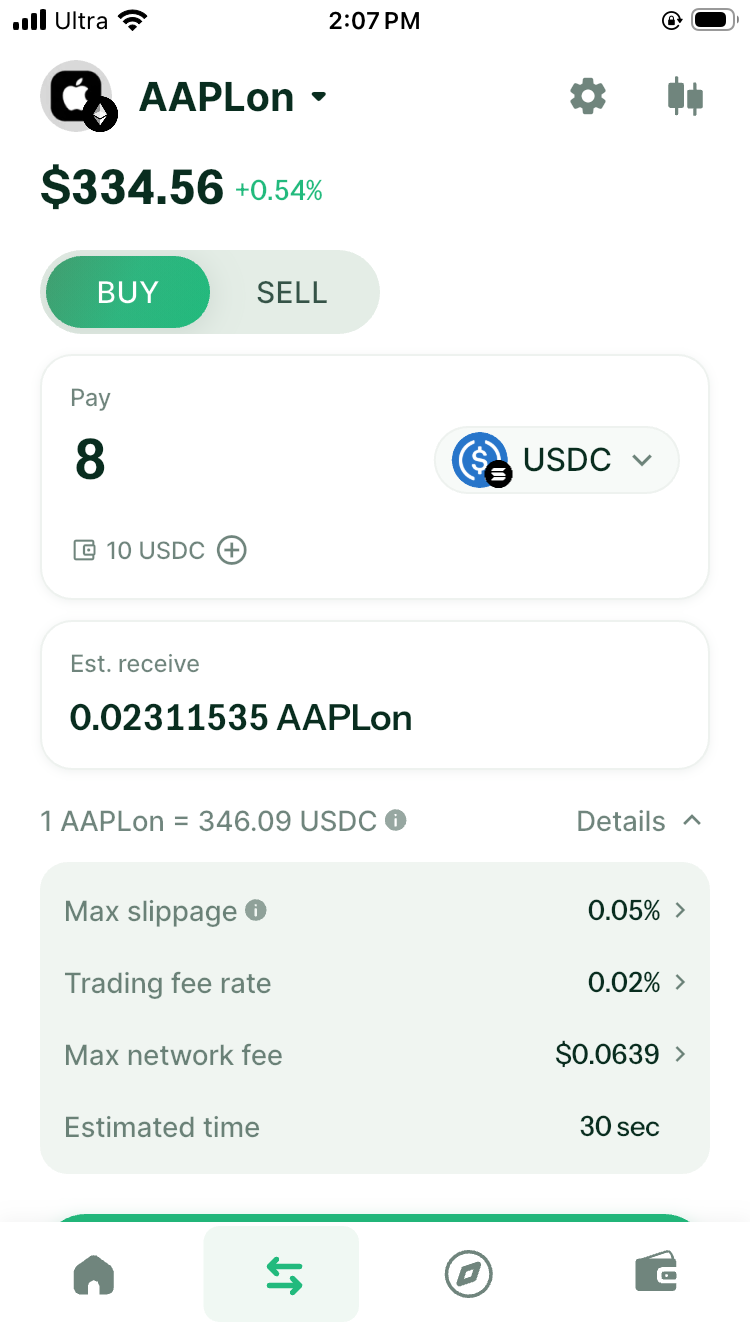
Suppose you plan to spend 1,000 USDC. The useful question is how many tokens the preview expects to return and which costs appear beside that result. A headline stock price does not answer that question because it does not account for your order size or route.
The same rule applies when selling. Enter the token amount and read the estimated USDC output. Do not multiply an asset-page price by your balance and assume that this is the amount you can withdraw.
3. Understand the displayed rate
DeGate shows the relationship between the stock token and the asset you are paying. That rate may differ from a finance website for several reasons:
- the quote uses a buy or sell price rather than the midpoint shown on a market page
- the token may include reinvested dividends through a multiplier
- the underlying US market may be in an overnight or closed session
- the available route and order size may produce a different price
For Ondo, the main asset price is a display price. Ondo’s official quote method prices the requested buy or sell amount and can hold that quote for a limited time. When an eligible route is available in DeGate, a solver partner integrated with DeGate can send a Request for Quote (RFQ) through Ondo’s official API. The quote refers to the price and available liquidity of the corresponding stock in the traditional US market. This means the order is not limited to the money in one on-chain pool and may have access to more depth when RFQ is available.
4. Separate slippage from the quoted rate
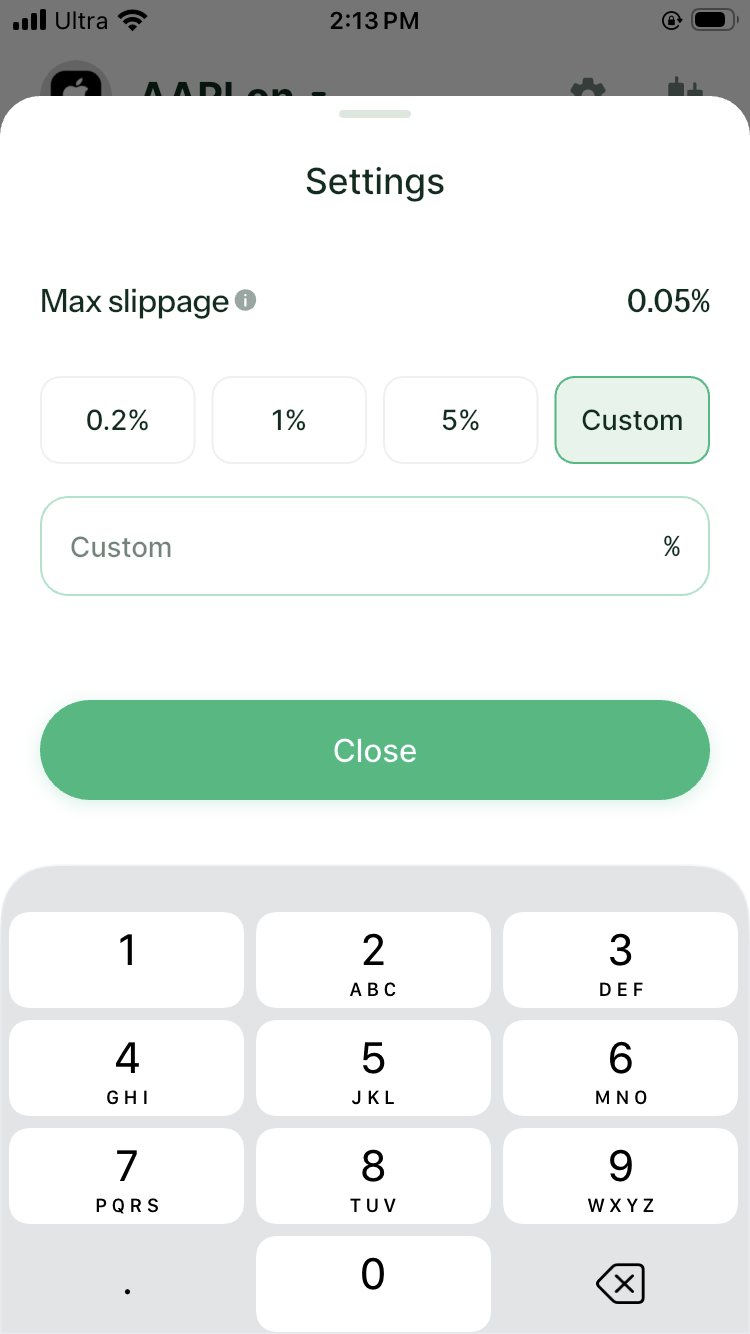
Maximum slippage is the largest movement the transaction is allowed to accept during execution. It does not promise that the trade will lose that percentage. It sets a boundary for a route whose execution price can move.
A smaller limit gives the execution price less room to move. If the price moves beyond that range during execution, the transaction stops. A larger limit accepts a bigger price movement, which can help the transaction continue, but the final token amount may be lower than the original preview.
There is no single setting for every stock token and order. Start from the DeGate preview, consider the order size and market session, and check the estimated output again after changing the setting. Avoid increasing slippage only to force a quote through when you do not understand the difference.
5. Read trading fee and network fee separately
The Trading fee rate is the product fee shown for the current swap. The Max network fee pays for the blockchain operation. A spread or price difference can also affect the rate even when it is not presented as a separate fee line.
To decide whether the trade works for you, compare the amount paid, estimated amount received, trading fee, and network fee together. This gives a clearer picture than reading one percentage on its own.
DeGate estimates the network fee before confirmation. For a normal DeGate swap, users often do not need to buy the destination chain’s gas token first. The wallet can prepare the required gas from an eligible balance when needed, while the user still pays the network cost shown in the preview. Hardware wallets and some special transactions may need native gas at the address.
6. Check the market session and route
Ondo provides conventional trading sessions and Off-Hours support for selected assets. Off-Hours quotes can have wider spreads and smaller limits. xStocks issuance and redemption run 24/5, while secondary venues may trade around the clock.
If a quote looks worse than expected, check Tokenized Stock Trading Hours and request the same amount during an active US session. A meaningful difference tells you that timing is part of the cost.
When DeGate produces a complete preview for the amount entered, it has found a current quote and route for that order. Changing the amount triggers a new calculation, so use the latest preview when confirming the trade.
7. Review once more before confirming
Check the following on the last preview:
- The paying asset and amount are correct.
- The receiving token, issuer, and network match your choice.
- The estimated output still meets your plan.
- Maximum slippage, trading fee, and network fee are acceptable.
- The quote has not changed enough to alter your decision.
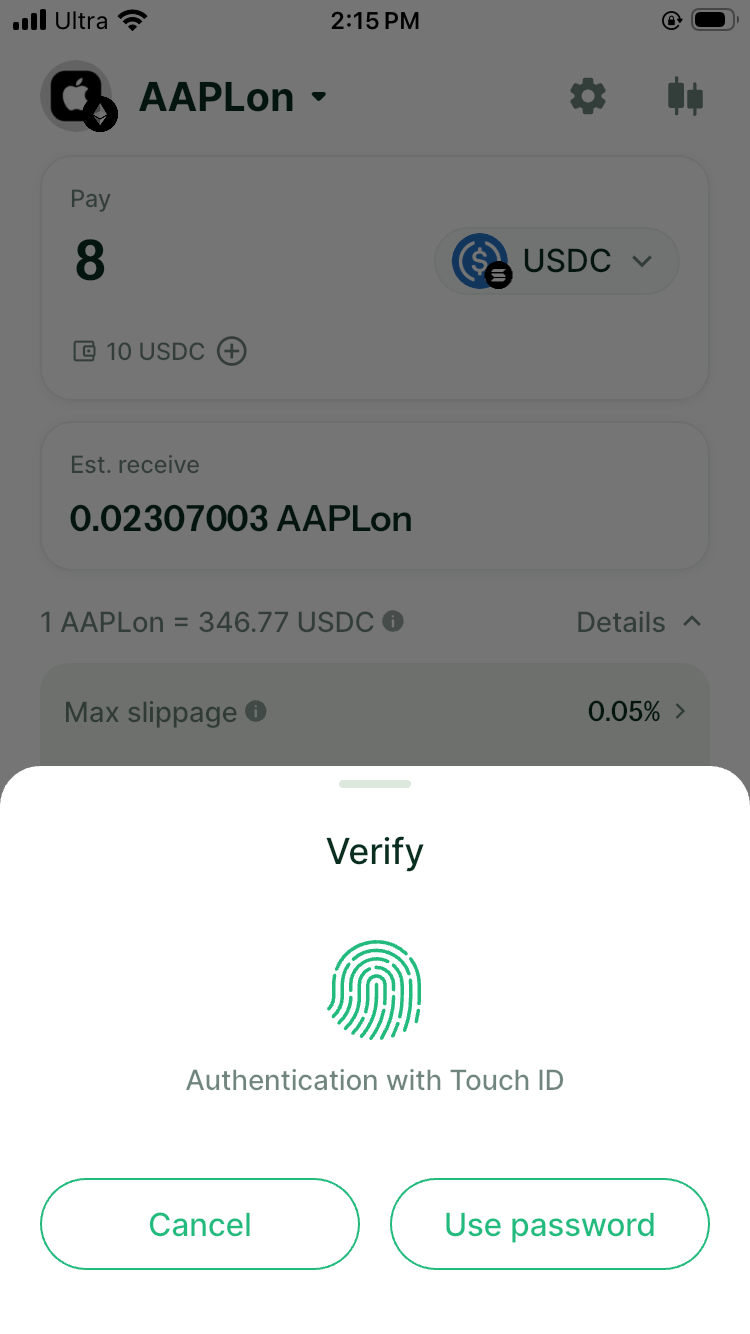
DeGate then asks you to verify the transaction. On an iPhone, the current flow can use Touch ID or the wallet password.
When to stop and request another quote
Return to the order screen if the issuer or network is wrong, the output changes beyond your limit, the route disappears, or the network fee makes the order uneconomic. You can also compare a smaller amount, but calculate the total cost if you plan to split the trade.
A quote turns a general market price into an amount you can evaluate. It does not remove issuer, timing, or execution risk. The final preview gives you the most relevant information for the transaction you are about to approve.
FAQ
Why is the stock-token quote above the stock price?
The quote may include the buy-side spread, an issuer multiplier from reinvested dividends, off-hours pricing, or route-specific liquidity. Check shares per token and compare the same order during an active US session.
Is maximum slippage another fee?
No. It is an execution limit. The transaction may fill within that boundary or fail. The trading fee and network fee appear as separate costs in the preview.
Should I choose the widest slippage setting to avoid failure?
Do not choose the widest setting only to make the transaction go through. Maximum slippage tells the transaction how far the final price may move from the current preview. If the preview shows 100 tokens, a 1% setting roughly allows execution down to 99 tokens. At 5%, that floor falls to about 95 tokens. Increase it only when that difference still works for you.
Sources
Facts on this page were last verified on September 30, 2026. Product capabilities, supported assets, and fees can change; the linked sources are the current record.